
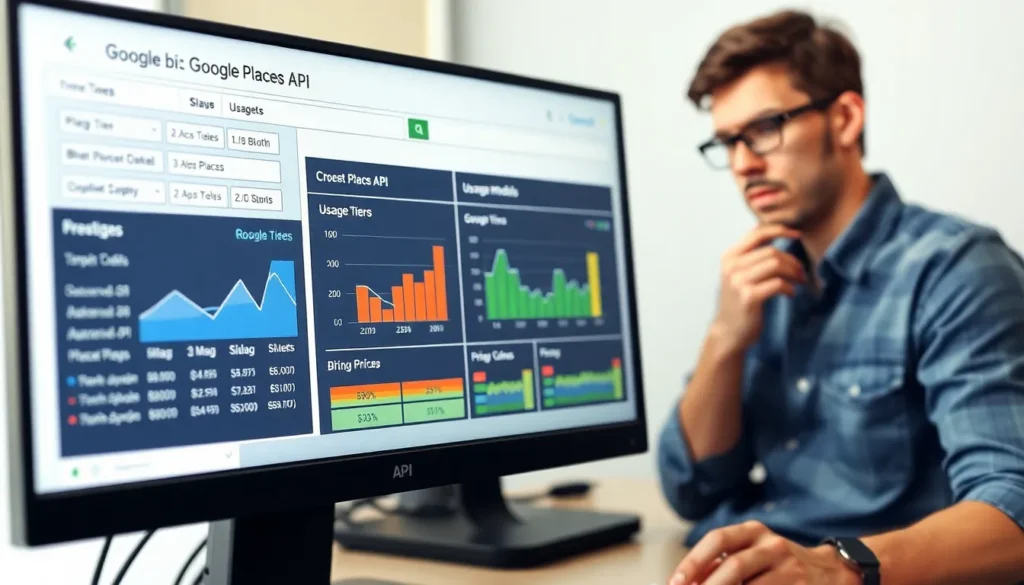

Navigating the world of Google Places API pricing can feel like trying to find a parking spot in a crowded city—frustrating and confusing. But fear not! This guide is here to demystify the costs associated with tapping into one of the most powerful tools for location-based services. Whether you’re a developer looking to enhance your app or a business owner aiming to boost visibility, understanding pricing is crucial.
Overview of Google Places API
Google Places API provides access to detailed information about places, such as businesses and landmarks. It supports developers in integrating location-based services into applications, enhancing user engagement. Various endpoints within the API allow for different types of requests, such as searching for places, getting details about specific locations, and reviewing user-generated content.
Pricing for the Google Places API is based on usage. Each request type has a specific cost associated with it. For instance, search requests typically incur a different charge compared to details or photos requests. Pricing transparency aids in budget planning for developers and businesses.
Google provides tiered pricing to accommodate varying usage levels. Developers can access a free tier that offers up to 28,000 requests monthly. Beyond this threshold, charges accumulate based on request volume. This tiered system makes the API accessible for developers working on smaller projects while allowing larger applications to scale effectively.
Understanding the pricing structure is critical for effective budget management. It enables developers to estimate costs accurately before fully integrating the API into their applications. By analyzing usage patterns, businesses can optimize their approach, lowering operational costs while enhancing functionality.
Regular updates ensure that Google Places API remains competitive and responsive to user feedback. These updates may alter pricing or features, so staying informed about changes proves essential for developers. Overall, the API serves as a powerful resource for creating location-aware applications, making it indispensable for businesses focused on local search capabilities.
Factors Affecting Google Places API Pricing

Google Places API pricing depends on various factors, with two primary aspects being usage tiers and request types.
Usage Tiers
Usage tiers categorize the number of requests made to the API. Google offers a free tier that allows up to 28,000 requests each month. This tier suits smaller projects or initial testing phases for developers. Beyond the free tier, costs increase based on the tier reached. Higher tiers support larger applications demanding more requests. This structure encourages developers to scale their usage as needed while being mindful of their budgets.
Request Types
Request types significantly influence pricing. The API differentiates among various request types, including place searches, details, and photo requests. Charges apply per request type, with search requests typically involving lower costs. Detailed requests incur higher fees due to the additional data provided. Photo requests also carry individual costs based on usage. Developers often need to assess their application’s specific needs and optimize request types for cost-effectiveness.
Pricing Structure
Google Places API features a tiered pricing structure designed to accommodate various project sizes. Costs are determined by the volume and type of requests made, making it crucial for developers to understand their options.
Free Tier Limitations
A free tier allows up to 28,000 requests monthly, ideal for smaller projects. This tier covers specific request types, including place searches and detail requests. However, limitations exist, as the free tier doesn’t support photo requests or certain advanced features. Exceeding 28,000 requests incurs additional charges, so careful monitoring is essential to remain within budget.
Pay-As-You-Go Model
The Pay-As-You-Go model provides flexibility for larger applications, allowing users to pay only for what they consume. Each request type, such as place details, searches, and photos, has a specific cost, which scales with usage. Developers can adjust request volumes based on their needs, ensuring cost efficiency. Seasoned users appreciate this model, as it eliminates upfront costs and aligns pricing with actual usage.
Best Practices for Cost Management
Cost management strategies enhance the efficiency of using the Google Places API. Developers maximize their investment by employing specific best practices.
Optimizing API Requests
Developers can minimize expenses by optimizing their API requests. Selecting the appropriate request types for their specific needs plays a crucial role. Using Place Search effectively reduces the number of unnecessary calls, directly impacting costs. Implementing batch processing for requests also enhances efficiency. When developers utilize specific parameters, they narrow down results and avoid excess data retrieval. Adjusting request frequency to align with user demand prevents overuse while maintaining service quality. Ultimately, these strategies not only lower costs but also improve application performance.
Monitoring Usage
Monitoring API usage is vital for cost-effective management. Developers should regularly track request counts against their allocated quota. Utilizing Google Cloud Console provides insight into usage patterns and helps identify any spikes in activity. Setting up alerts for reaching usage thresholds enhances proactive monitoring, reducing chances of unexpectedly high charges. Analyzing past usage data enables adjustments in request types and frequencies, optimizing budget allocation. Keeping a close watch on this data supports smarter decision-making and ensures developers remain within their budget constraints.
Navigating the Google Places API pricing landscape requires a strategic approach. By understanding the tiered structure and request types developers can make informed decisions that align with their project needs. The free tier offers a valuable starting point for smaller applications while the Pay-As-You-Go model provides flexibility for larger projects.
Optimizing API usage not only enhances budget management but also improves overall application performance. By implementing best practices and leveraging available tools developers can effectively monitor their usage and avoid unexpected costs. With the right strategies in place the Google Places API becomes an essential asset for enhancing location-based services and driving user engagement.